Thank you for purchasing the XA25.
- ConfigureTo configure settings, visit the control panel at ctrl.xbabtech.com. You can also update the firmware there.
- SupportIf you encounter any issues at all, please reach out to us on Discord or via email at [email protected].
- CommunityOur Discord server is at xbabtech.com/discord. We have an extremely active community of mouse enthusiasts. Come chat about mice, share your setup, or just hang out.
Accessories
Your XA25 comes with:
- A cloth carrying bag
- A screwdriver
- A silicone bungee adapter
- An adhesive clip, for use as a micro-bungee
- Dot sticker shims, to eliminate wobble with replacement feet (see mouse feet and shims)
Disassembly and assembly
This 8 minute video shows how to take the XA25 apart and put it back together, including a few tricks. Taking the mouse apart does not void the warranty.
Surface patina
The XA25's surface is polished PA12 nylon with no coating. Because the surface is slightly porous, skin oils darken the points of contact, leaving a dark gray patina. This is not wear. It is purely cosmetic and does not affect how the surface feels.
The patina is patchy at first but spreads out over a few days. After about a week of use, it evens out into a mostly uniform dark gray finish.
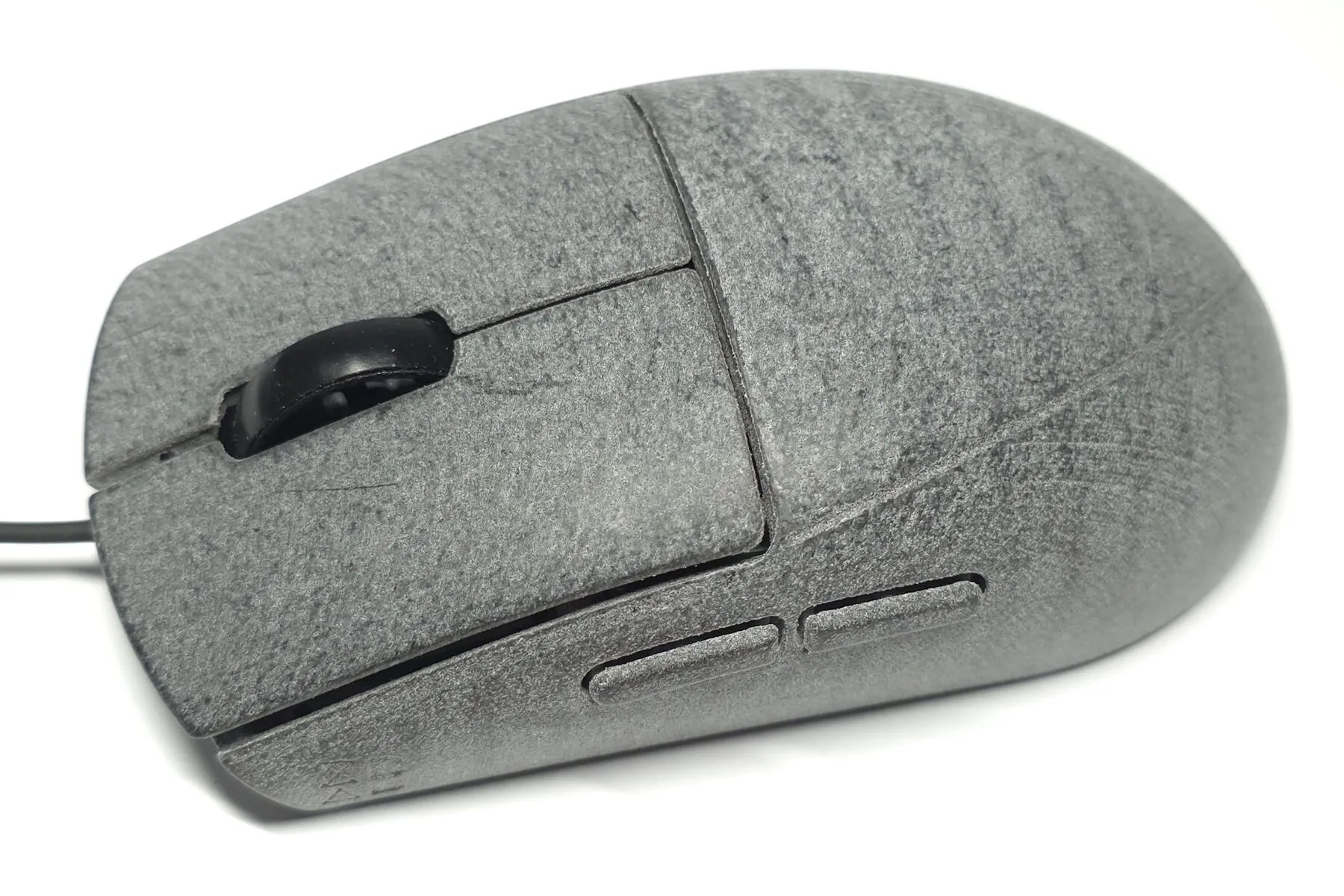
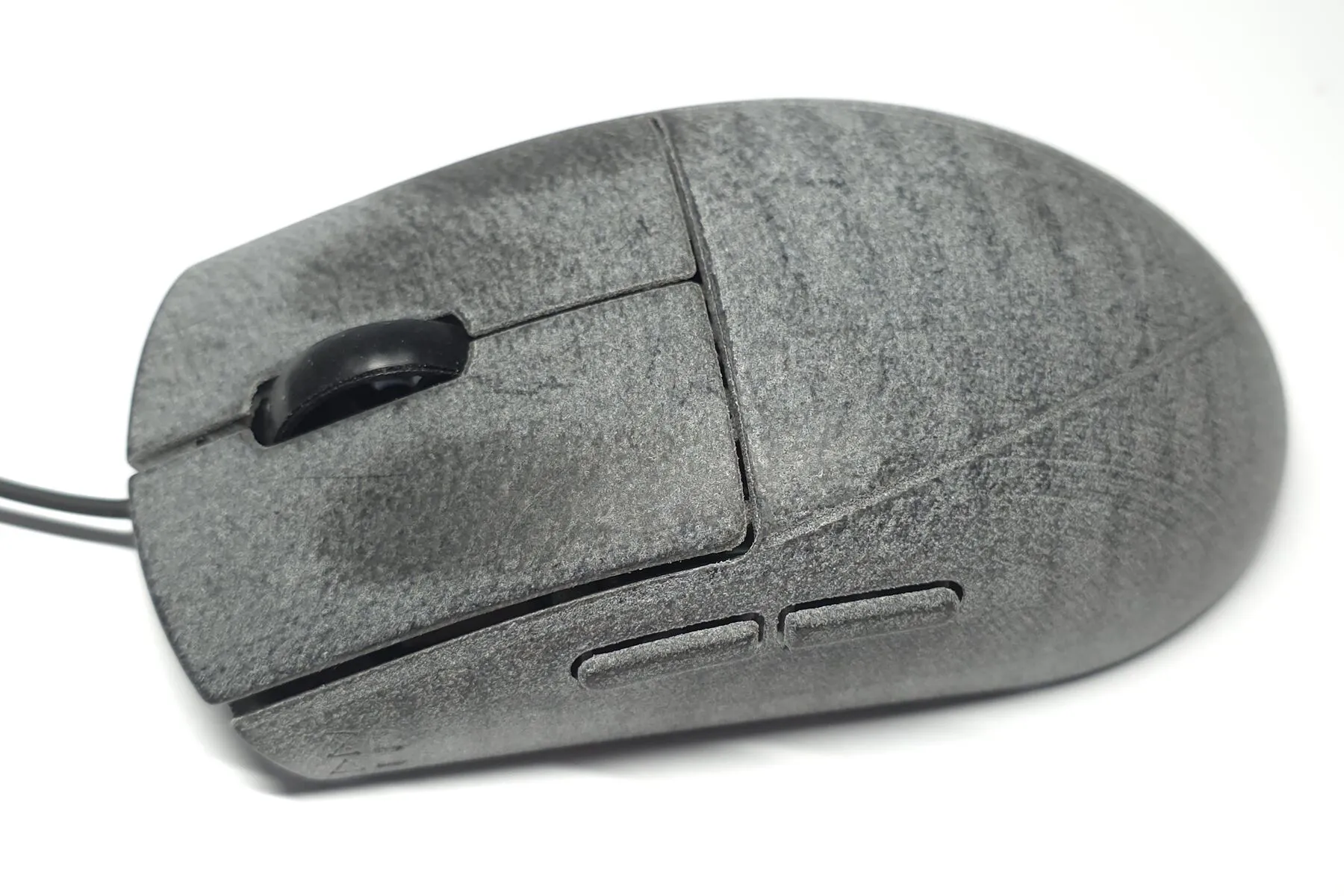
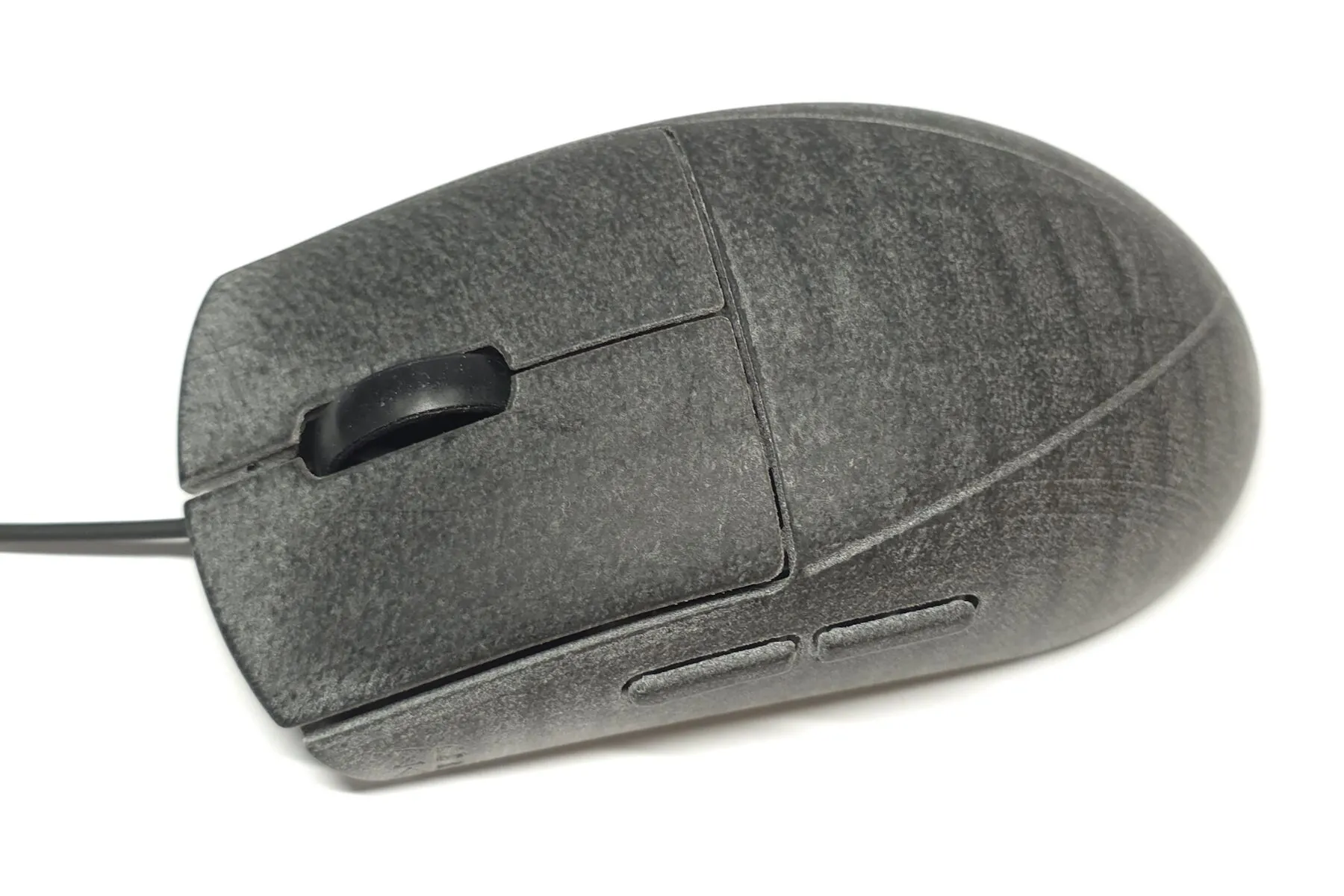
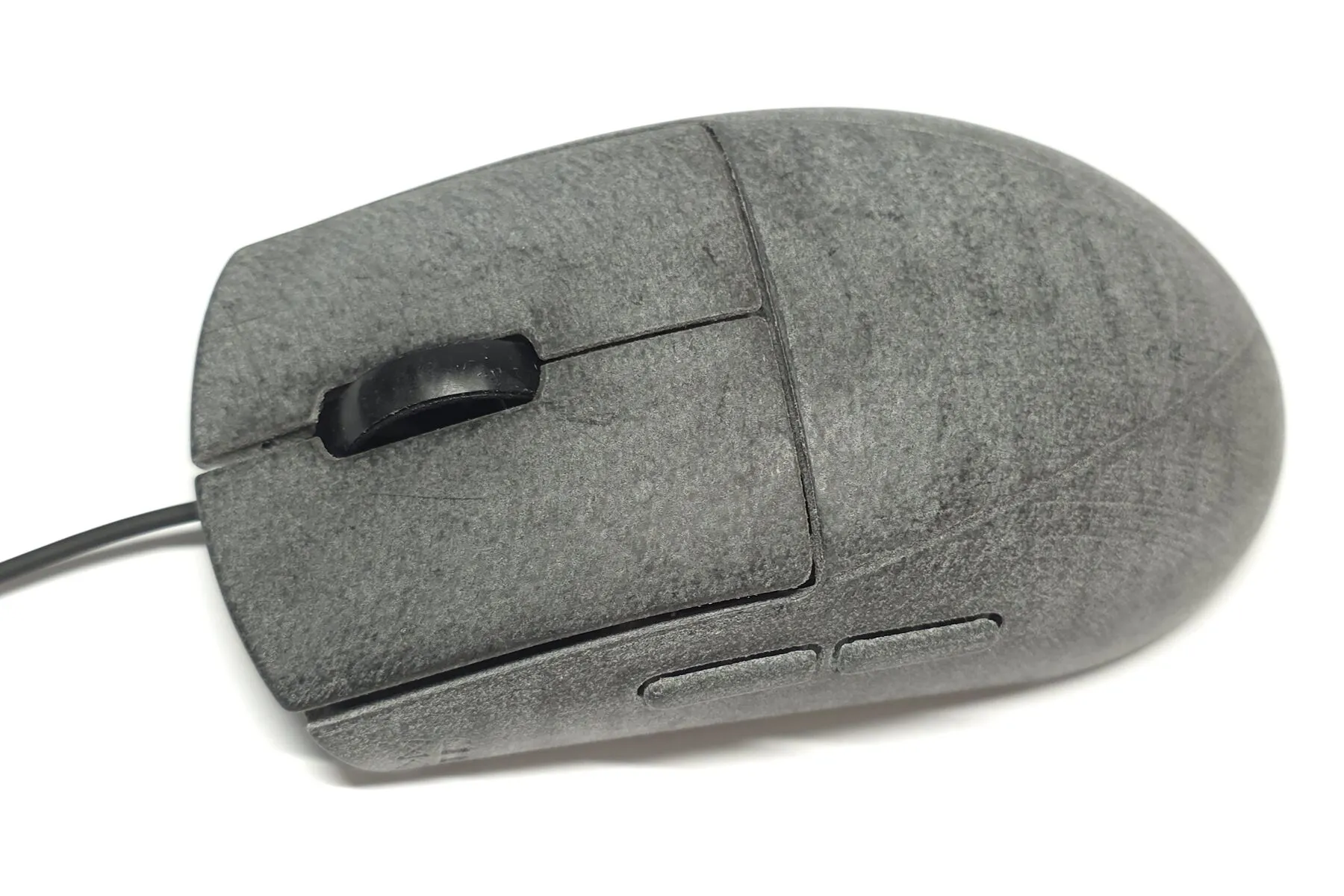
The quickest way to remove the patina is to dab it with an alcohol wipe or a paper towel saturated in alcohol. Avoid hard scrubbing, as it can lift burrs on the surface and roughen the texture.
To fully restore the surface to new condition, fully disassemble the mouse and remove all screws and PCBs, leaving the feet on. Scrub with a wet toothbrush and some dish soap, then rinse thoroughly and dry. A hair dryer on low heat speeds up drying.
Wheel sleeve
The XA25's wheel has a silicone band for grip. It can lose grip as dust and debris stick to it. To clean it, use a lint roller (or any tape), or wipe it with an alcohol wipe.
Some prefer using the wheel without the band. To remove it, disassemble the mouse, take the wheel out of the encoder, and pull the band off.
Mouse feet and shims
The XA25 comes with 100% PTFE mouse feet custom-made by Nitro Factory. They are 7 mm in diameter and 0.85 mm thick. Replacement feet will be sold in the near future.
If you want to use your own mouse feet, note the following:
- The stock feet can be very difficult to remove without separating the PTFE from its adhesive tape. If you want to keep them for future use, gently and carefully wedging a razor blade between the adhesive and the mouse might keep the adhesive attached to the PTFE.
- To eliminate base wobble on glass pads, some of the stock feet have thin white shims underneath. When you remove the stock feet, the shims will most likely come off with them. When you install new feet, put shims in the same positions as the originals. On some units, some spots need 2 layers of shims.
- The XA25 comes with some shims in the box. If you ever need more, you can buy them on Amazon. Similar products may work too.